|

You can send a file as an email attachment.
To send a file(iPhone) On
the Documents screen, tap the filename. The Details screen appears.
Tap Send.
(iPad) Open the document and tap  . .
A new message is created in the iOS native email application,
with the file as an attachment.
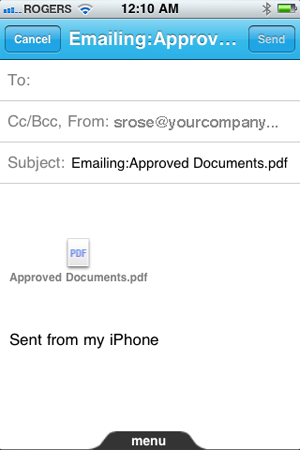 Email message Specify the To address and fill in the other fields as appropriate.
You can edit the subject line and add text to the body of the email
message.
Tap Send.
|
|
|


