Learn how to protect your published PDF with a password and 128-bit encryption with Adobe FrameMaker.
FrameMaker allows you to password protect your PDFs. The password uses 128-bit encryption, which is almost impossible to break. Use the Security tab to add a password that a user has to enter when opening a PDF.
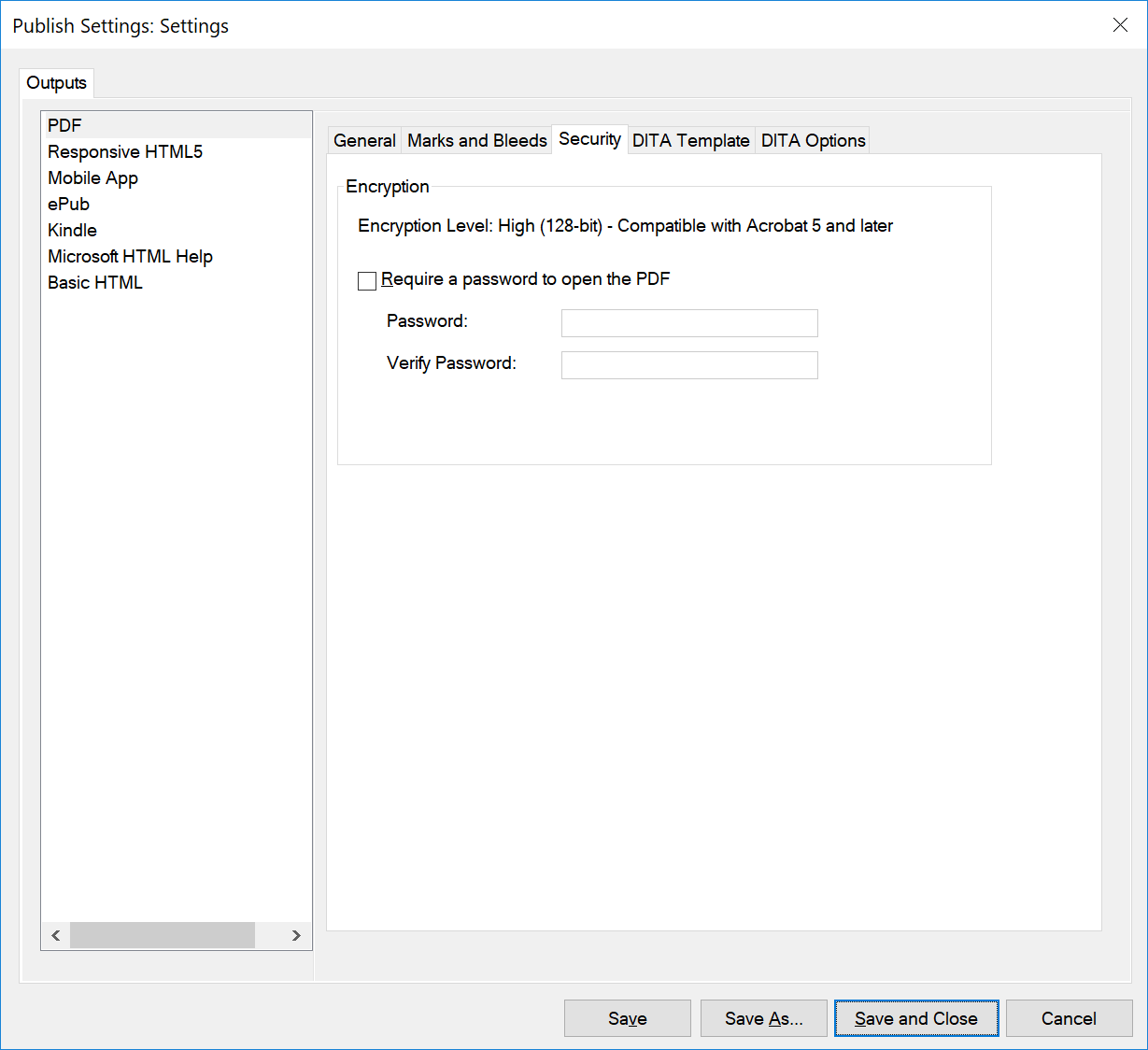
- Require a Password to Open the PDF
Select this option to enable password protection feature. Once you select this option, you can specify a password that a user must enter when opening the PDF.
Note: If you forget a password, there is no way to recover it from the document. It’s a good idea to store passwords in a separate secure location in case you forget them.