Example (Reset a table style)
The following example illustrates how a table style is reset.
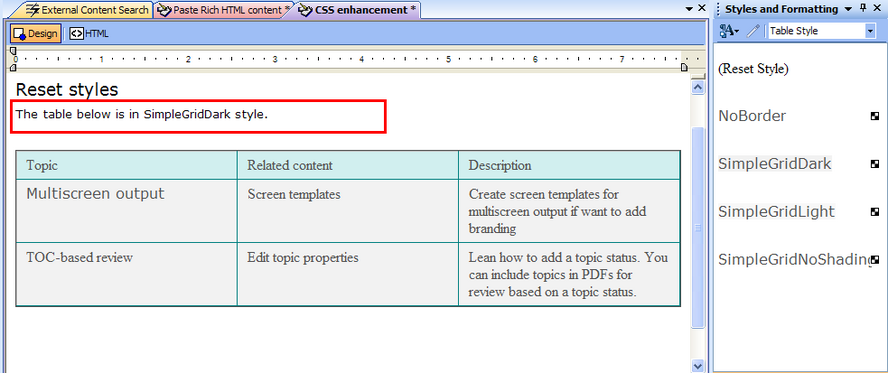
Sample table with a style applied
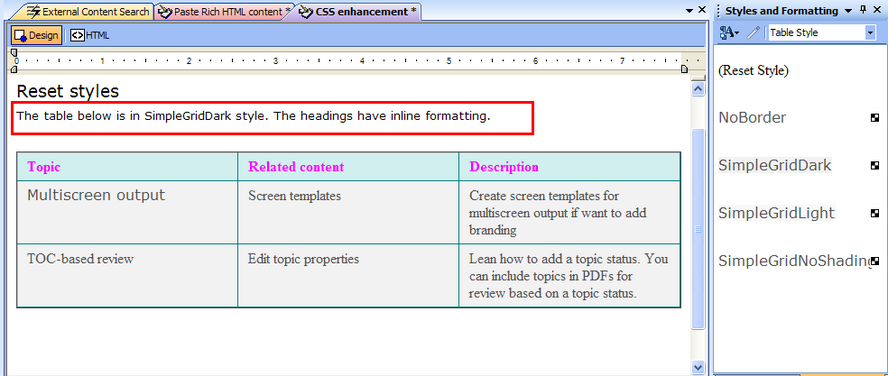
Inline formatting added to the headings. No inline formatting has been applied to the whole table, selected rows, or cells (RoboHelp considers these selections as table elements and removes any inline formatting applied to these elements when you reset a table style (just as the Clean Table Inline Formatting in the Select Table Style dialog box works)
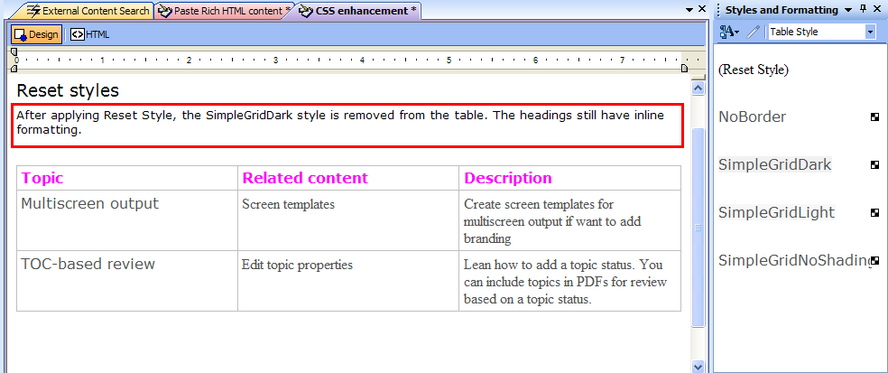
After applying Reset Style, the table style is removed. Inline formatting of headings (non-table element) remains.