|

The Documents screen enables you to browse through a folder
structure to locate files. Tap folders to open them. To return to
a previous folder, tap the folder name in the breadcrumb trail.
You can slide the breadcrumb trail from side to side if the folder
you are looking for is hidden. To access your list of favorite files,
tap Favorites.
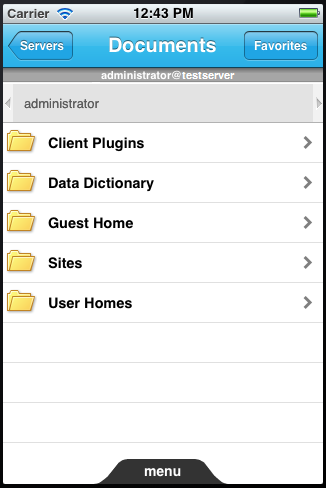 Favorites list Note: The image above shows the Documents screen on iPhone. It looks
slightly different on iPad, but you browse through folders the same
way.
|
|
|


