|

The
Calculate the Field Sum snippet demonstrates how to calculate sums
of fields that are at different levels in the form hierarchy when
the form is opened.
To see the following example and others, visit the
AEM forms Developer Center
.
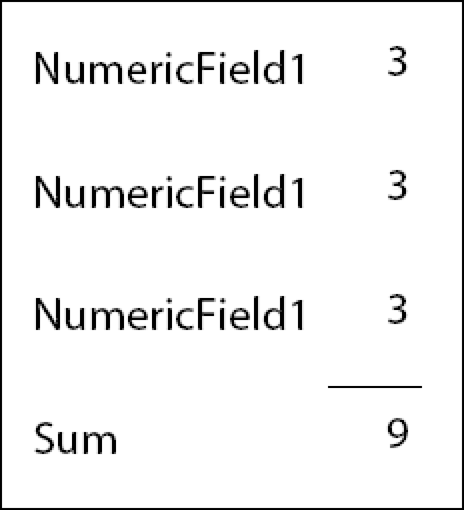
In this example, the sum of the repeating fields is calculated.
To calculate the sum of repeating fields in a form

Add a
calculate
event to the Sum field:
var fields = xfa.resolveNodes("NumericField1[*]");

var total = 0;
for (var i=0; i <= fields.length-1; i++) {
    total = total + fields.item(i).rawValue;
}

this.rawValue = total;
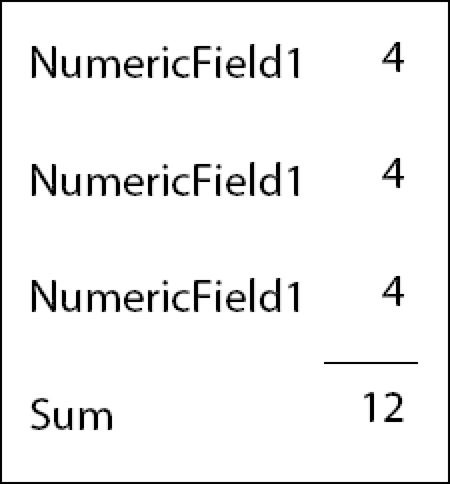
In this example, the sum of
the fields nested within a repeating field is calculated.
To calculate the sum of fields nested within a repeating subform
Add a
calculate
event to the Sum field:
var fields = xfa.resolveNodes("detail[*].NumericField1");

var total = 0;
for (var i=0; i <= fields.length-1; i++) {
    total = total + fields.item(i).rawValue;
}

this.rawValue = total;
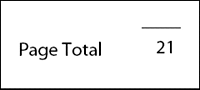
In this example, the sum of
the fields on the first page is calculated.
To calculate the sum of the fields on the first page
Add a
calculate
event to the Sum field:
var fields = xfa.layout.pageContent(0 , "field", 0);

var total = 0;
for (var i=0; i <= fields.length-1; i++) {
    if (fields.item(i).name == "NumericField1") {
        total = total + fields.item(i).rawValue;
    }
}

this.rawValue = total;
|
|
|